Settings
A tour of Study's settings, from language and look to models and what runs on each kind of file.
Open Settings from the sidebar, or press Ctrl , (Cmd , on macOS). Settings are in two groups, General and AI. Changes are saved as you make them.
General
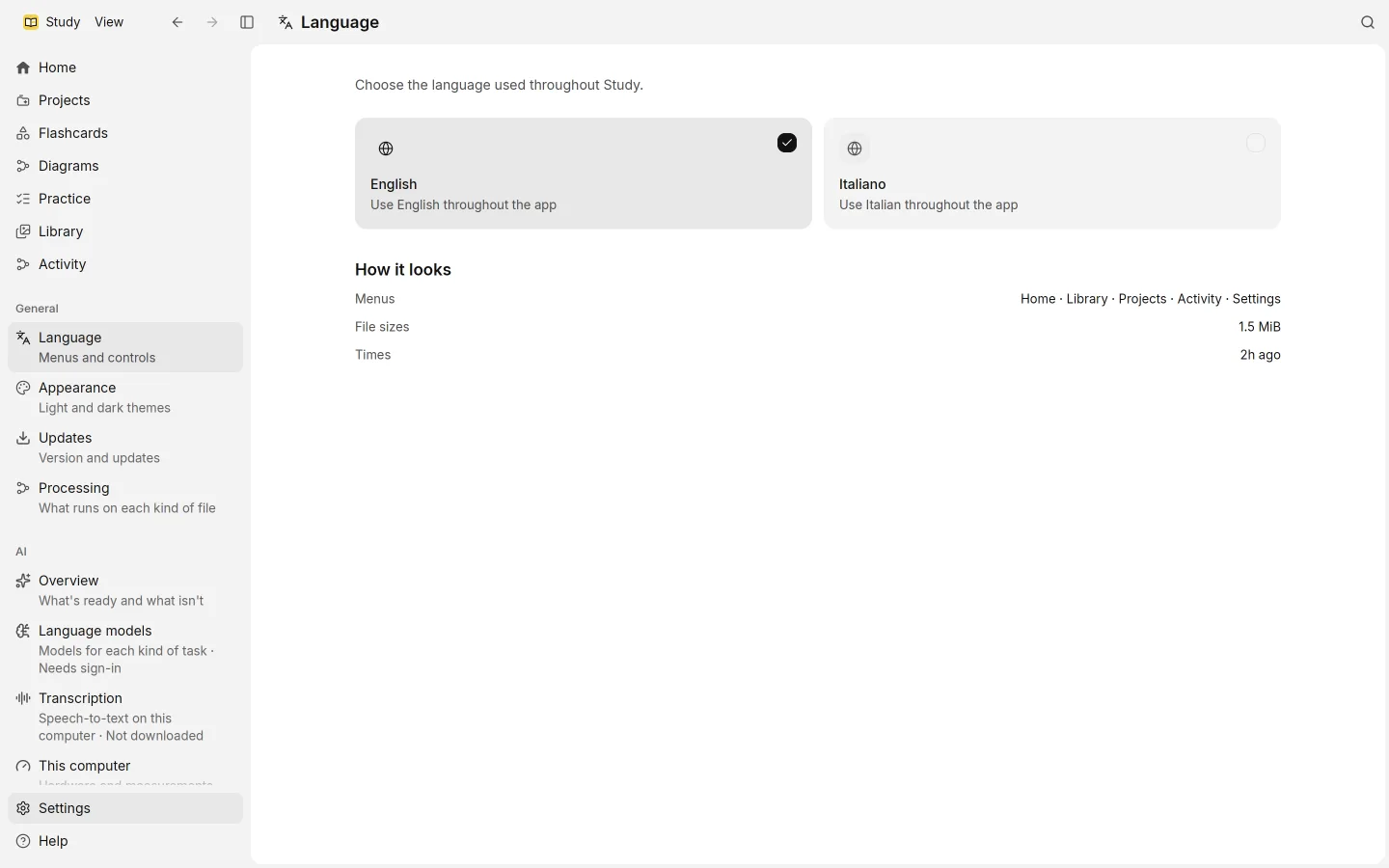
Language switches Study between English and Italiano. A preview shows how menus, file sizes and times will look.
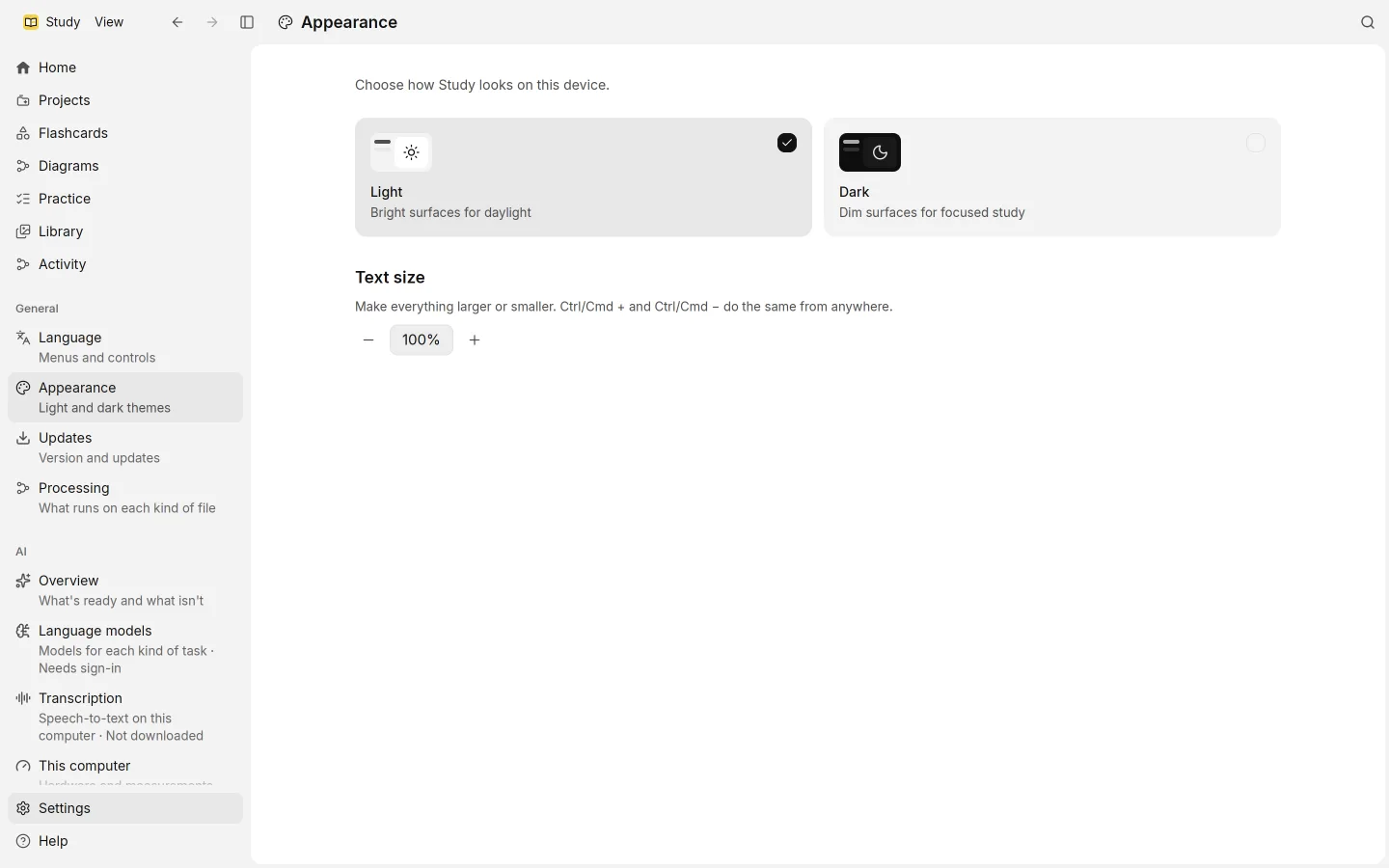
Appearance offers Light, with bright surfaces for daylight, and Dark, with dim surfaces for focused study. Text size makes everything larger or smaller, from 75% to 200%. Ctrl + and Ctrl − (Cmd on macOS) do the same from anywhere in the app.
Updates has Check for updates. When a new version is available, Install and restart installs it and restarts Study; save your work first. If you’re recording, finish first. See install.
Processing sets what Study does with each kind of file:
- a table of every kind of source, with the columns Reading, Tidying, Search and Study material, where you turn each step on or off. See sources.
- Skip small talk and logistics before writing: a fast model leaves out small talk, logistics and noise before study material or practice questions are written, so all of your lectures fit, not a sample.
- New flashcards a day: a large new set comes in over several days, so reviews stay manageable. Cards you’ve already learned still come back when due.
AI
Overview shows every AI feature at a glance: what it’s for, where it runs, and whether it’s Ready, Needs sign-in or Not downloaded. Set up takes you to what’s missing.
Language models is where you connect your ChatGPT plan.
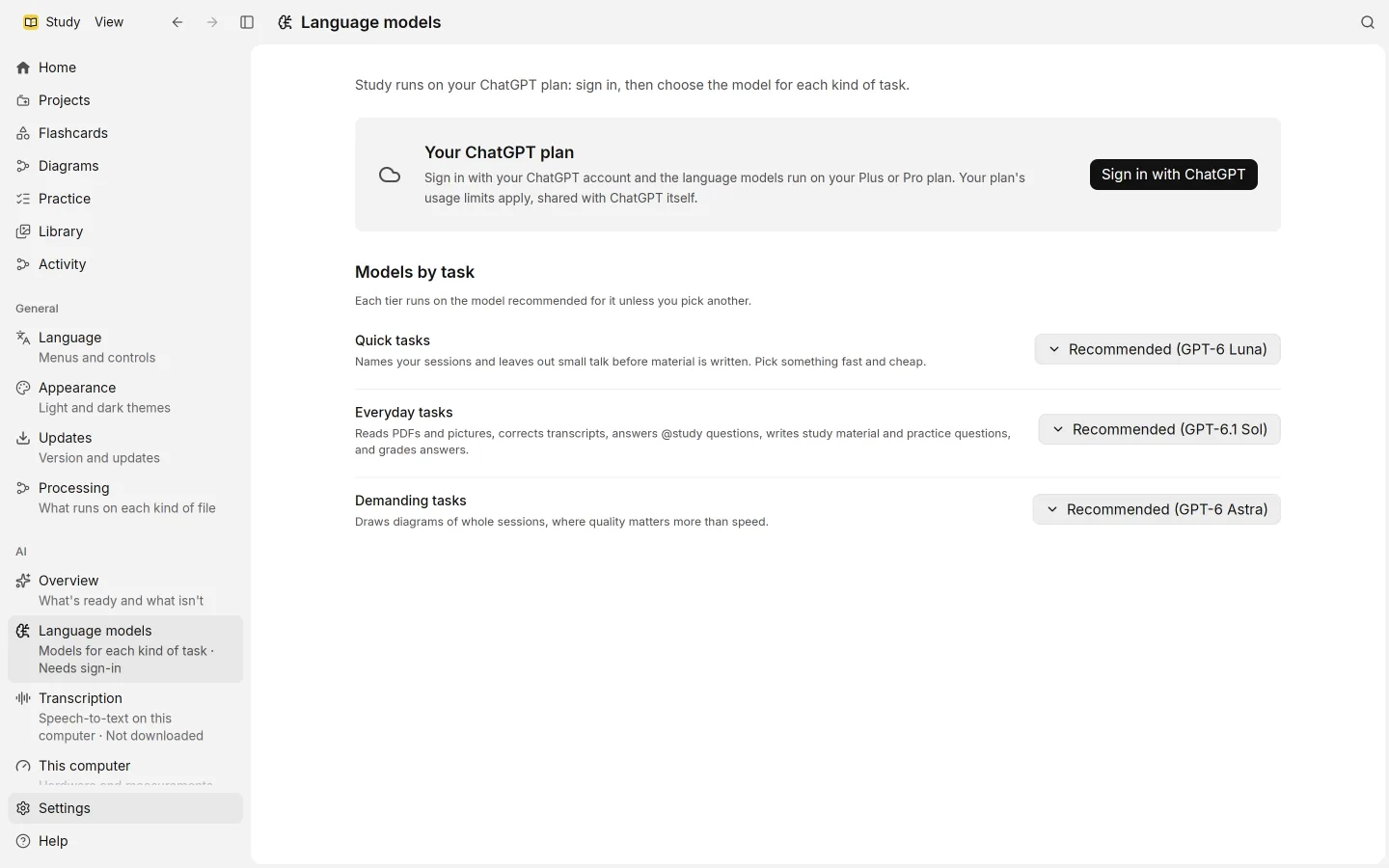
- Sign in with ChatGPT, and Sign out when you want to disconnect.
- Manage usage opens your ChatGPT usage settings in the browser.
- Test connection sends one small request to check that everything works.
- Under Models by task, three tiers: Quick tasks names sessions and leaves out small talk; Everyday tasks reads PDFs and pictures, corrects transcripts, answers @study, writes study material and practice questions, and grades answers; Demanding tasks draws diagrams. Each tier runs on the model recommended for it unless you pick another.
Transcription turns recordings into text on your computer. Here you download the model, about 670 MB, and set Model copies, from 1 to 4. Each copy uses about 2 GB of memory and transcribes in parallel. The spoken language is detected on its own.
This computer shows what Study found and measured about your computer, such as cores and memory, and Where models run: for search and for transcription, whether this computer runs them, or why not. You can Measure again after a hardware change. The search model, about 135 MB, is downloaded here.
Where settings are kept
Settings are stored in the same database as your work, in your data folder. See privacy.