Notes and diagrams
Keep notes in sessions and the Library, and get a hand-drawn diagram of how a project's ideas connect.
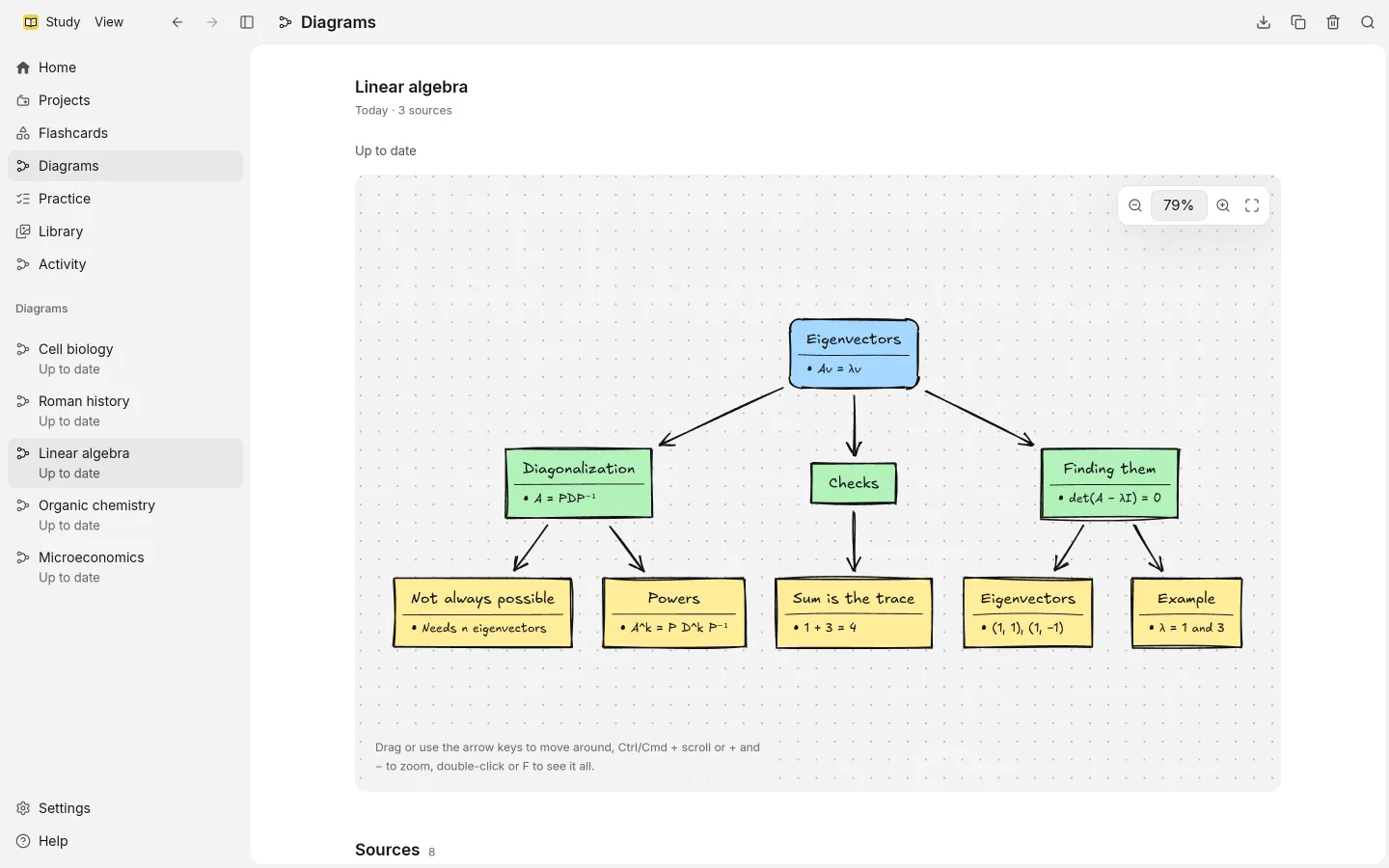
Study keeps two kinds of notes, and it draws one diagram for each project from everything you’ve added to it.
Notes
Most of your notes live in sessions. Each note you send keeps its versions, so you can Edit it, ask for an AI edit with Improve or Summarize, and step back through Versions later.
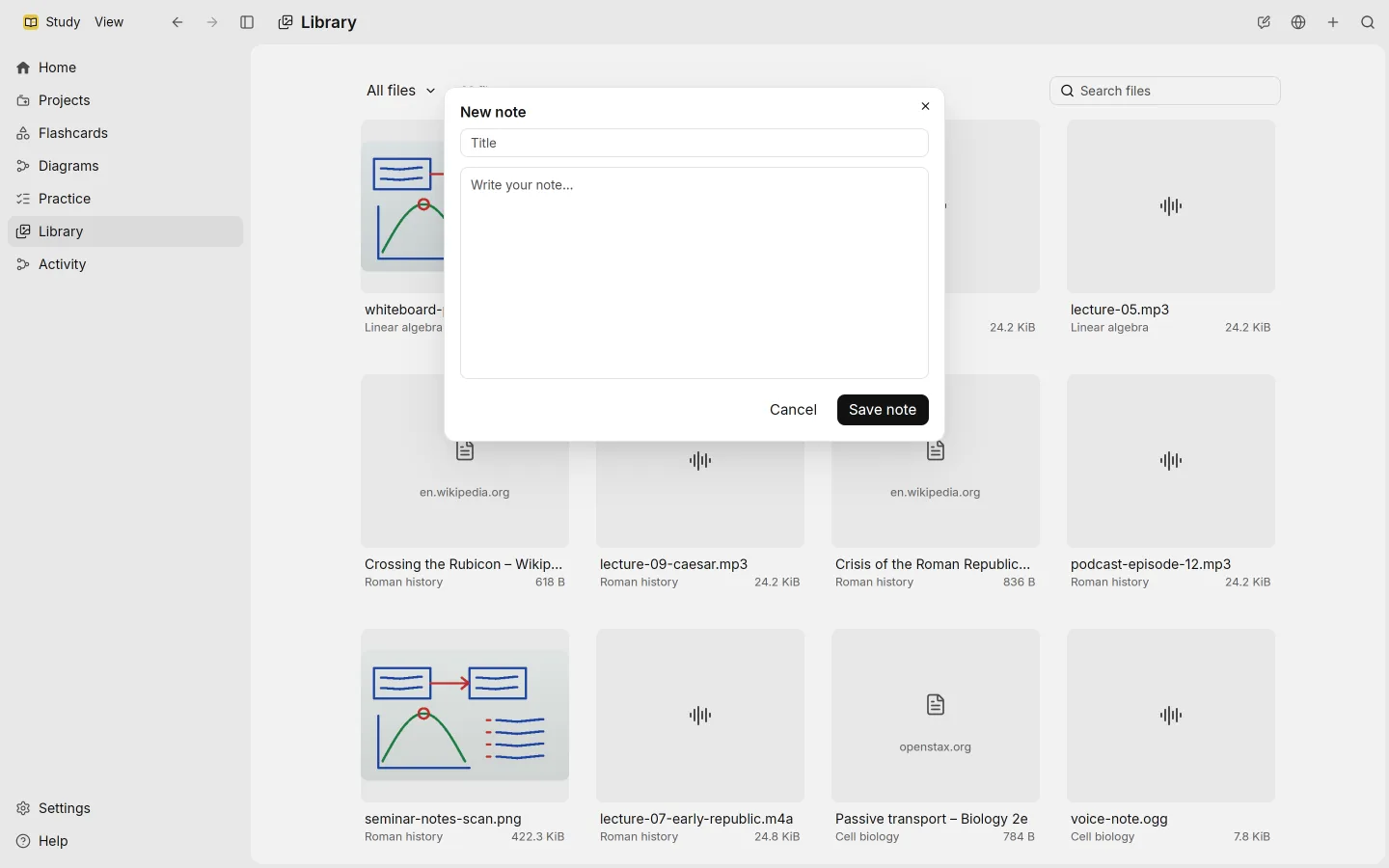
For notes that aren’t tied to a lecture, use the Library. New note asks for a title and some text, and saves the note as a source of its own. Study reads it like any other file, so it shows up in search.
The project diagram
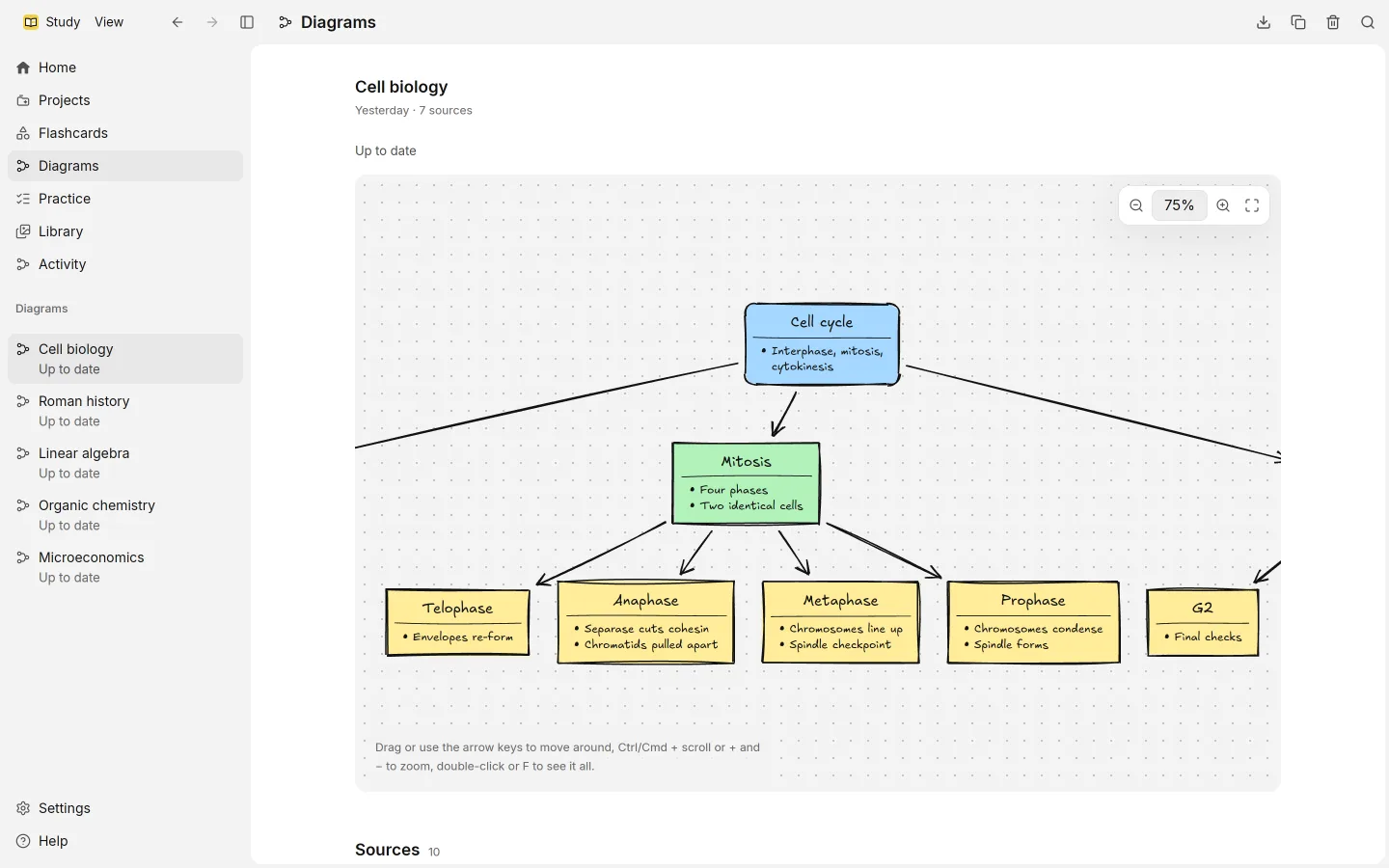
Each project has one diagram: cards for its main ideas, with details, joined by arrows that show how they connect. It’s drawn in a hand-drawn style, and each card cites the passages it rests on by number, as an answer does.
Diagrams are written on your ChatGPT plan, with the model set for Demanding tasks in Settings › Language models.
Making and updating it
Open Diagrams in the sidebar, or the Study material section of a project. The diagram shows one of these states:
- Not made yet, with Make to draw the first one
- Up to date, when nothing new needs drawing
- Update, to redraw it from the project as it is now
- Updating…, while Study redraws it
- Couldn’t update · showing the last one, if a redraw failed; the previous diagram stays
An update revises the current diagram and replaces it once it’s finished. Older versions are not kept.
Which sources feed the diagram is set per kind in Settings › Processing, under Study material. Pictures are left out by default.
Moving around
| Action | How |
|---|---|
| Move | Drag, or use the arrow keys |
| Zoom | Ctrl and scroll (Cmd on macOS), or + and − |
| Actual size | 0, or Actual size |
| Fit the whole diagram | Double-click, F, or Fit to view |
The toolbar also has Zoom in and Zoom out.
Taking it with you
Save as image (SVG) saves the diagram as a picture you can open in a browser or drawing app. Copy puts the diagram on the clipboard as a Mermaid flowchart, a plain-text format that many note apps and editors can draw.