Answers and citations
How @study answers a note from your own files, and how to check where each claim came from.
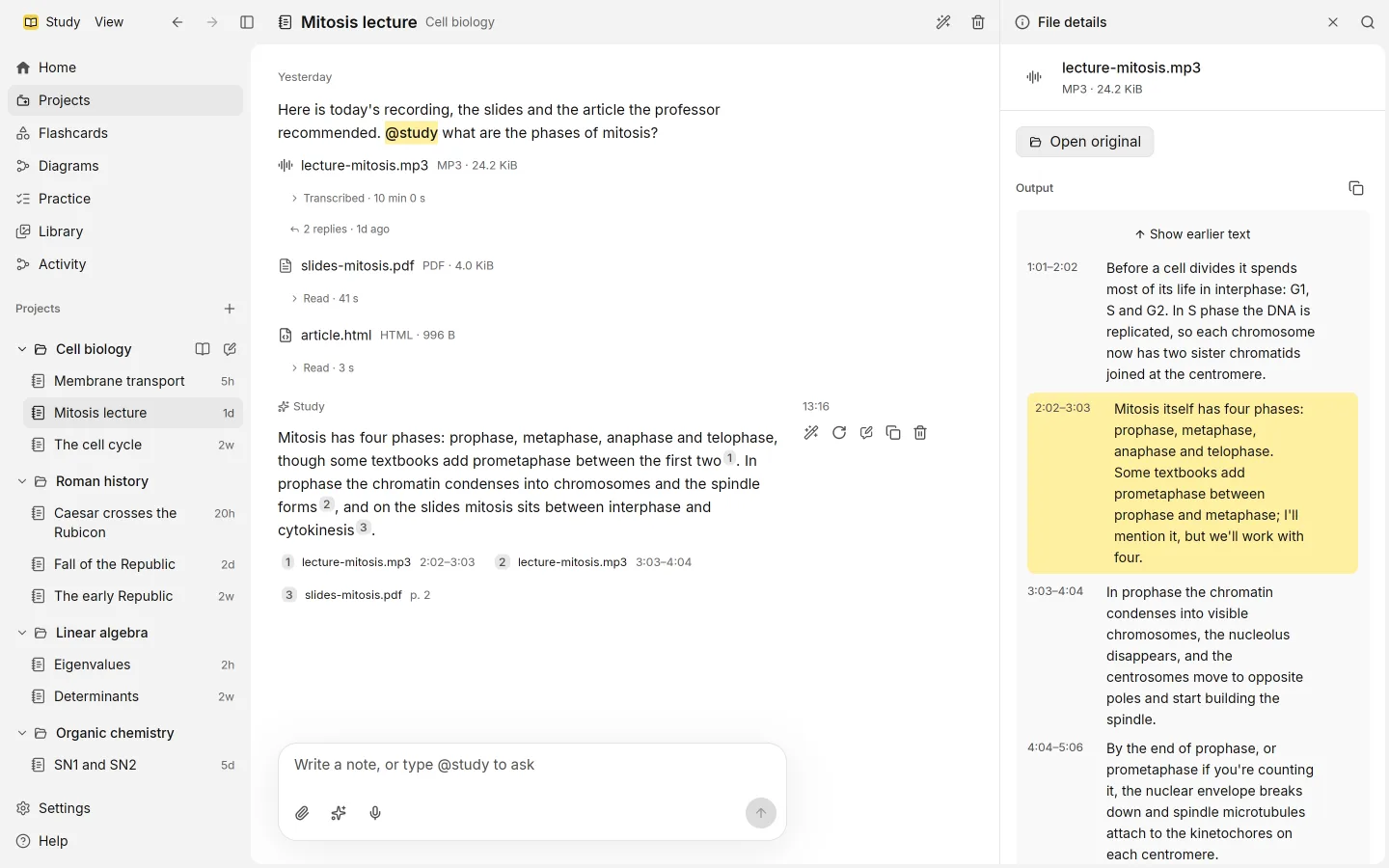
When a note mentions @study, Study answers it from your own material and shows where each part of the answer came from. You can open any citation and read the passage it rests on.
Asking
Write your question in a session and mention @study anywhere in the note. Notes without the mention get no reply, so you can write freely and ask only when you want to.
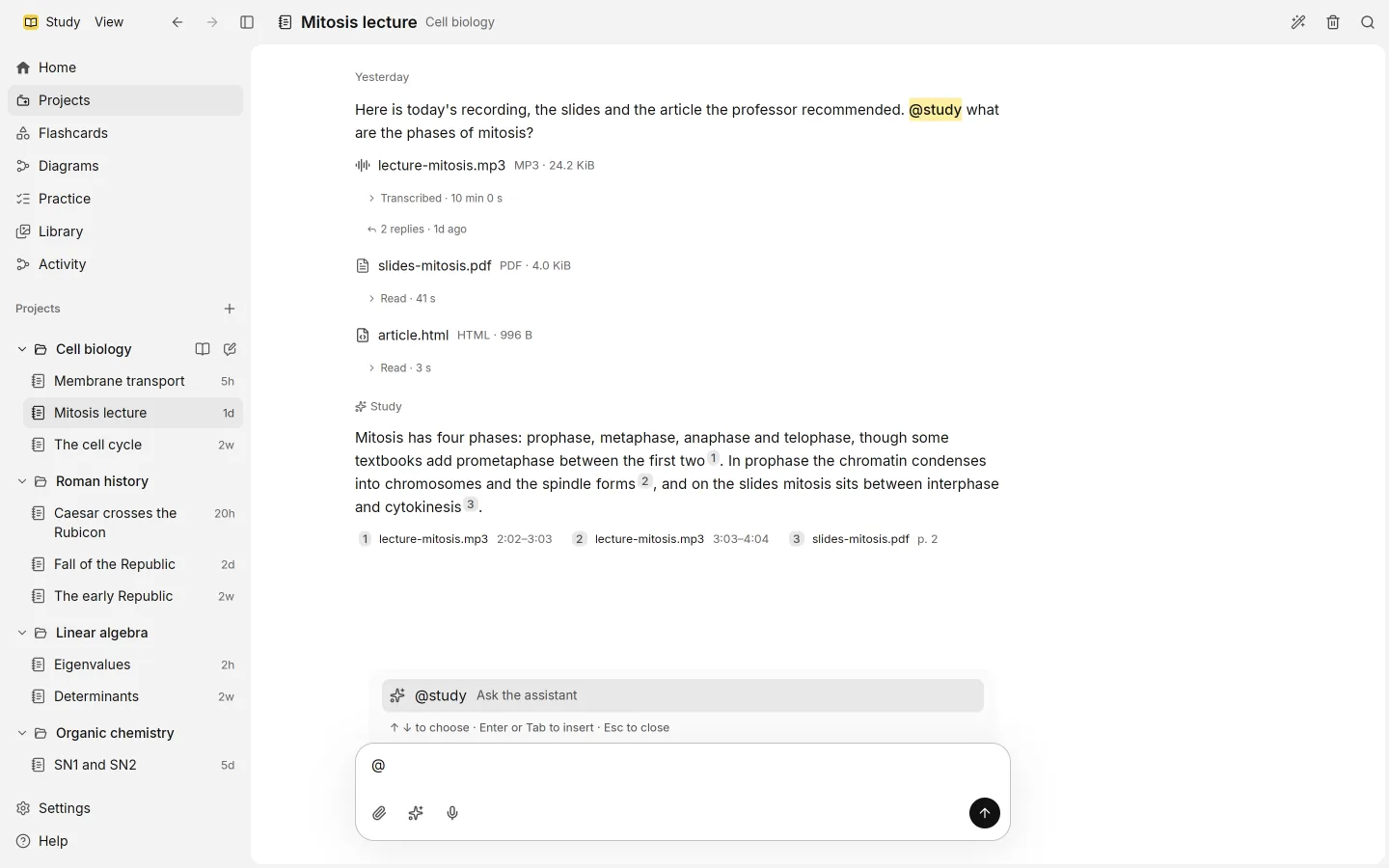
Study waits until the files attached to that note have been read, then answers. If something is missing, the answer waits and says why, for example Waiting for ChatGPT sign-in. Answers run on your ChatGPT plan.
Where an answer looks
An answer draws first on the files in the session you’re in, all of them. Then it adds the most related passages from the rest of the project. Files outside the project are not used.
Because answers come from your files, the better your sources, the better the answers. If a file was read wrongly, fix its text with Correct this text in File details, and later answers use your version.
Reading citations
Each claim that rests on a passage carries a small numbered chip, such as [1] or [2]. Under the answer, Sources lists every cited file with the place the passage comes from.
Places are written the way you’d look them up:
| Source | Place |
|---|---|
| PDF or picture | p. 3 |
| Recording or video | 4:05–4:40, or 1:02:03 for long ones |
| Text or code | lines 12–18 |
| Slides | slide 4 |
| Word document | ¶ 2 |
| Web page | #section, when the part is known |
Opening a citation
Select a chip or a source to open it. A dialog shows the file and the place, with the cited passage highlighted among the text around it. Open in Library takes you to the whole file, and Close returns to the answer.
Use this to check an answer before you rely on it. If the passage doesn’t say what the answer claims, trust the passage.
Changing an answer
Answers keep their versions, as your notes do. Regenerate asks for a new answer, AI edit rewrites the current one with Improve, Summarize or your own instruction, and Versions moves between them. See sessions.
Citations elsewhere
Answers aren’t the only place with citations. Flashcards, the diagram and practice questions also list their Sources, so you can always go back to the page or moment something came from.